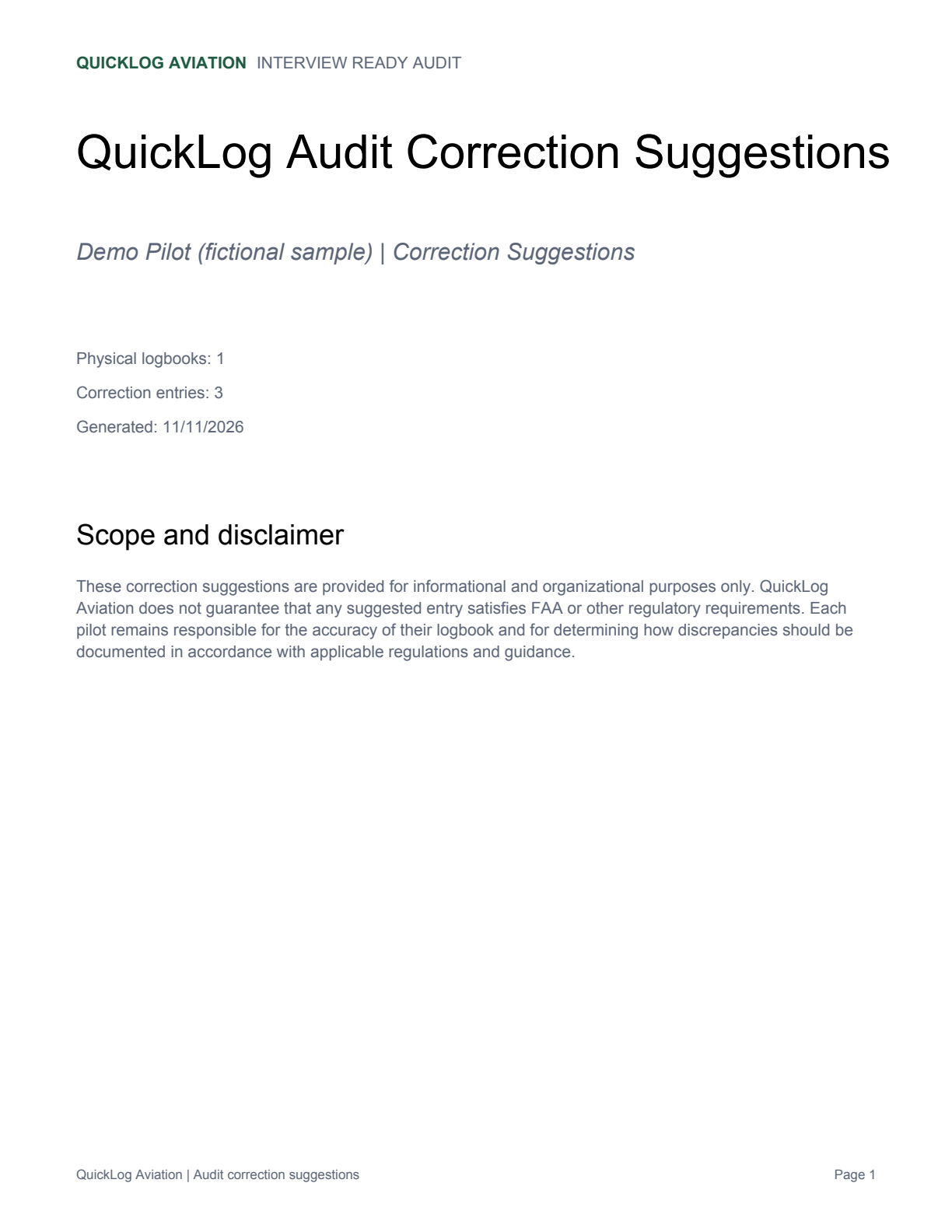
In my experience reviewing aviation records and pilot logbooks, nearly every logbook contains at least one mistake. Most are not dramatic. They are addition errors, totals carried forward incorrectly, or messy crossouts that make the intended value difficult to understand.
The last place you want someone else to find one is during an airline interview or logbook review.
A paper logbook audit gives you the chance to identify those discrepancies ahead of time, understand where they began, and prepare to explain your records with confidence.
What does it mean to audit a pilot logbook?
A useful paper logbook audit checks whether the flight-time entries on each page support the totals written at the bottom of that page.
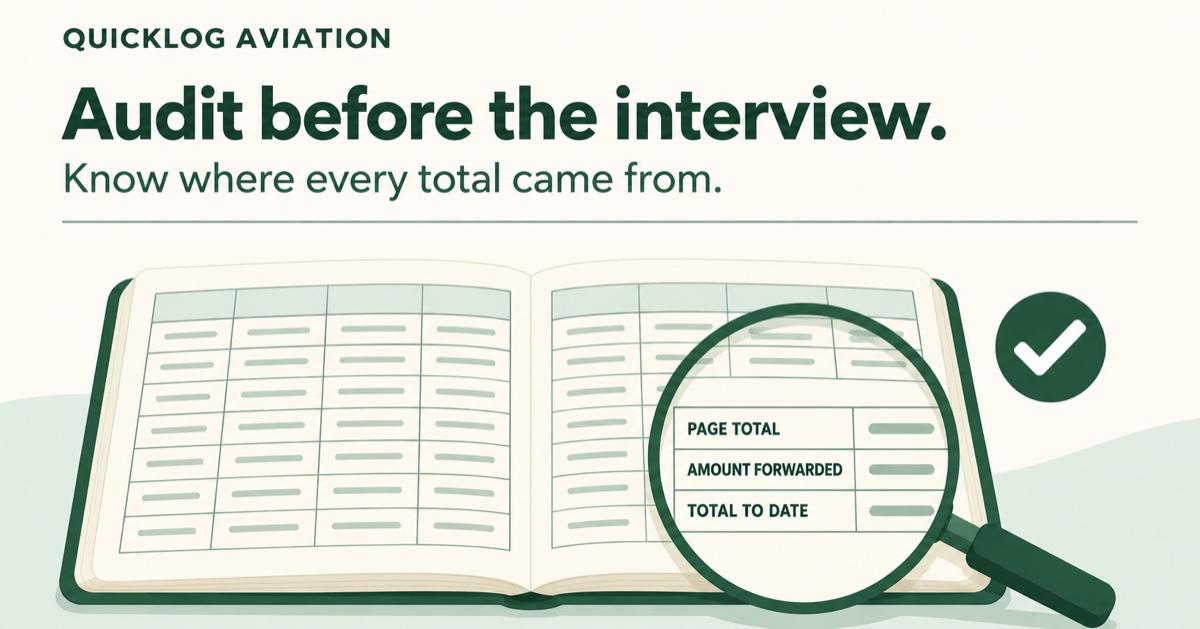
The review should focus on three types of totals:
- Page Total: the sum of the flight entries recorded on that page.
- Amount Forwarded: the running total brought forward from the preceding page.
- Total to Date: the amount forwarded plus the current page total.
Repeat the same process for every populated flight-time column. A total-time column can be correct while PIC, night, instrument, cross-country, or another category contains a separate discrepancy.
1. Put the logbooks and pages in their intended order
Begin with every physical logbook you plan to present. Keep each book separate and place its pages in the order the pilot intended them to appear.
Do not automatically rearrange a paper logbook by flight date. Simulator entries, military records, supplemental pages, and later-added entries may intentionally appear in a different part of a book. Your audit needs to follow the physical record so each running total is compared with the correct preceding page.
Number the pages for your working notes if the logbook does not already provide clear page numbers.
2. Recalculate every Page Total
Start with the first populated flight-time column on a page. Add the individual entries and compare your result with the Page Total written in the paper logbook.
Record both numbers even when the difference looks small. A tenth of an hour can continue through every later page if it is carried forward.
Then repeat the calculation for each remaining populated column. Do not assume that columns next to one another were added with the same accuracy.
3. Check every Amount Forwarded
Compare the Amount Forwarded on the current page with the Total to Date from the preceding physical page.
If they do not match, note the difference on the current page. This is one of the most common places for a logbook discrepancy to begin because a pilot can calculate one page correctly and then copy the number incorrectly onto the next page.
4. Recalculate every Total to Date
Add the Amount Forwarded and Page Total for each populated column. Compare that result with the paper logbook’s Total to Date.
This check tells you whether the running total is supported by the numbers written on that page. Keep the paper value and your recalculated value side by side so the discrepancy remains easy to follow.
5. Track where each discrepancy starts or changes
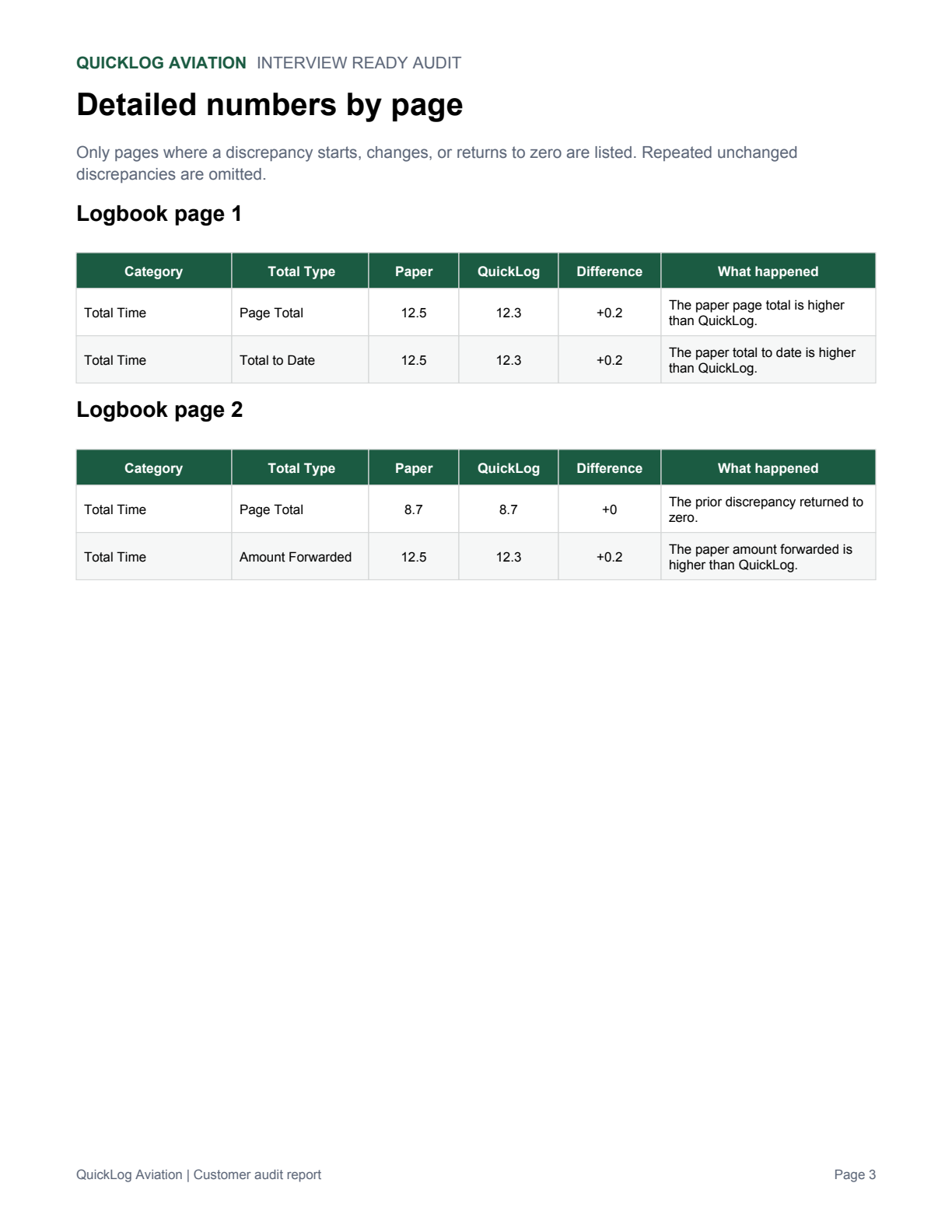
Once a discrepancy begins, the same difference may carry through many pages. Listing it as a new error on every page creates noise and makes the audit harder to understand.
Document the first page where the difference appears. Continue comparing the values, but create another finding only when the difference changes. A change in the discrepancy usually points to another addition or forwarding issue.
| Page | Total type | Paper value | Recalculated value | Difference |
|---|---|---|---|---|
| 12 | Total to Date | 96.4 | 92.8 | +3.6 |
6. Flag unclear or improperly documented crossouts
Crossouts can make it difficult to determine which number is current, especially when several values overlap or the replacement value was not written clearly.
Do not guess what the pilot intended. Mark the page and column for closer review, preserve the original paper value in your notes when it can be read, and describe what is unclear.
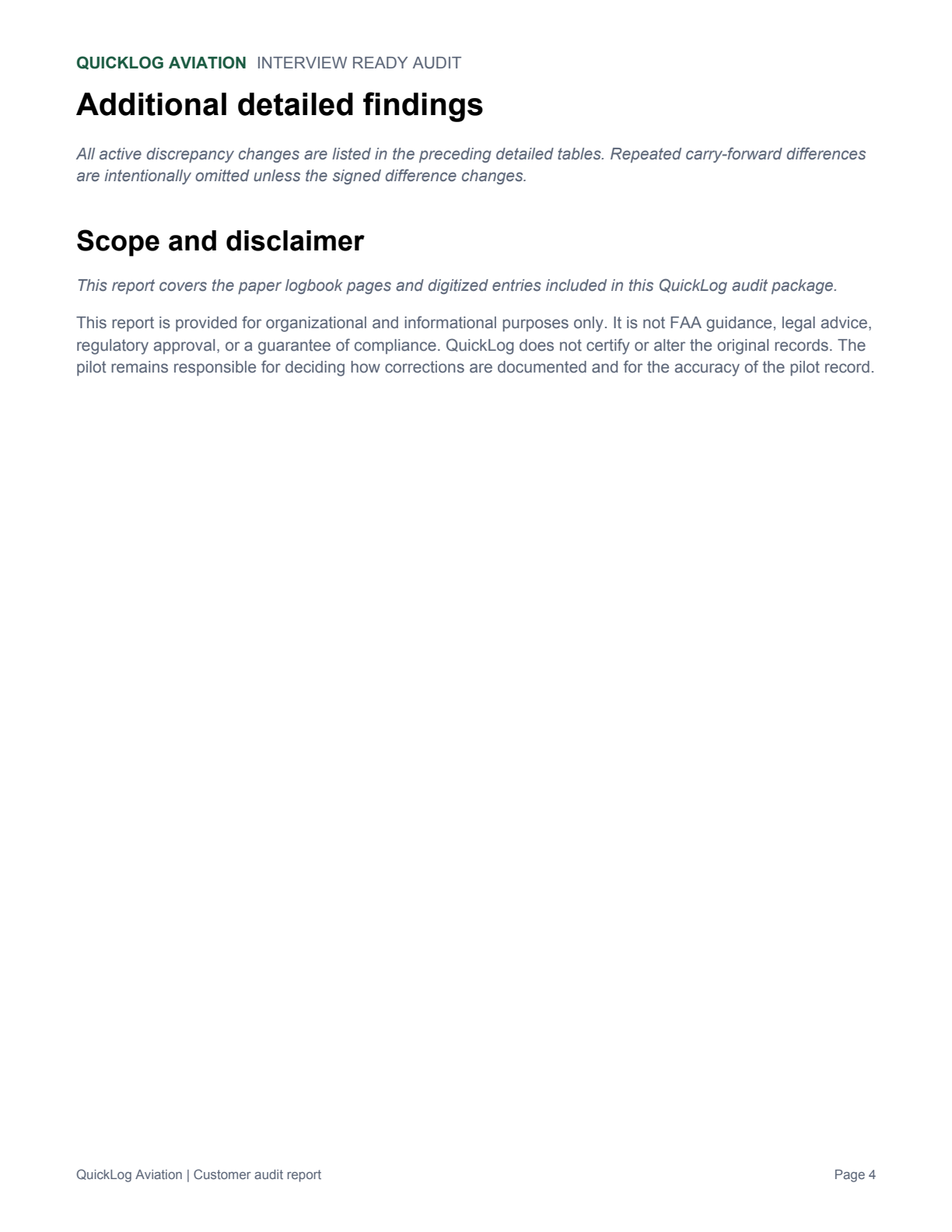
This guide focuses on identifying discrepancies. It does not tell you how to alter the original record or determine the appropriate way to document a correction.
7. Review the final discrepancy record
When every page has been checked, review your findings from beginning to end. Confirm that each listed discrepancy either starts on that page or changes from the previous discrepancy.
Your final record should let you answer four simple questions:
- Which physical logbook and page contains the issue?
- Which flight-time column and total type are affected?
- What value appears in the paper logbook?
- What value did the entries recalculate to?
Why I recommend doing this before an interview
As an airline captain and former aviation records auditor, I have seen how much easier a logbook review becomes when a pilot already understands the differences in the record.
The goal is not to pretend an old paper logbook is perfect. The goal is to know what is in it, identify discrepancies before someone else does, and arrive prepared to discuss them.
Would you rather spend that time preparing or flying?
A thorough page-by-page audit takes time, especially when a pilot has multiple logbooks or years of handwritten entries.
If you would rather spend that time preparing for your interview or building flight hours, have QuickLog Aviation complete the audit for you.
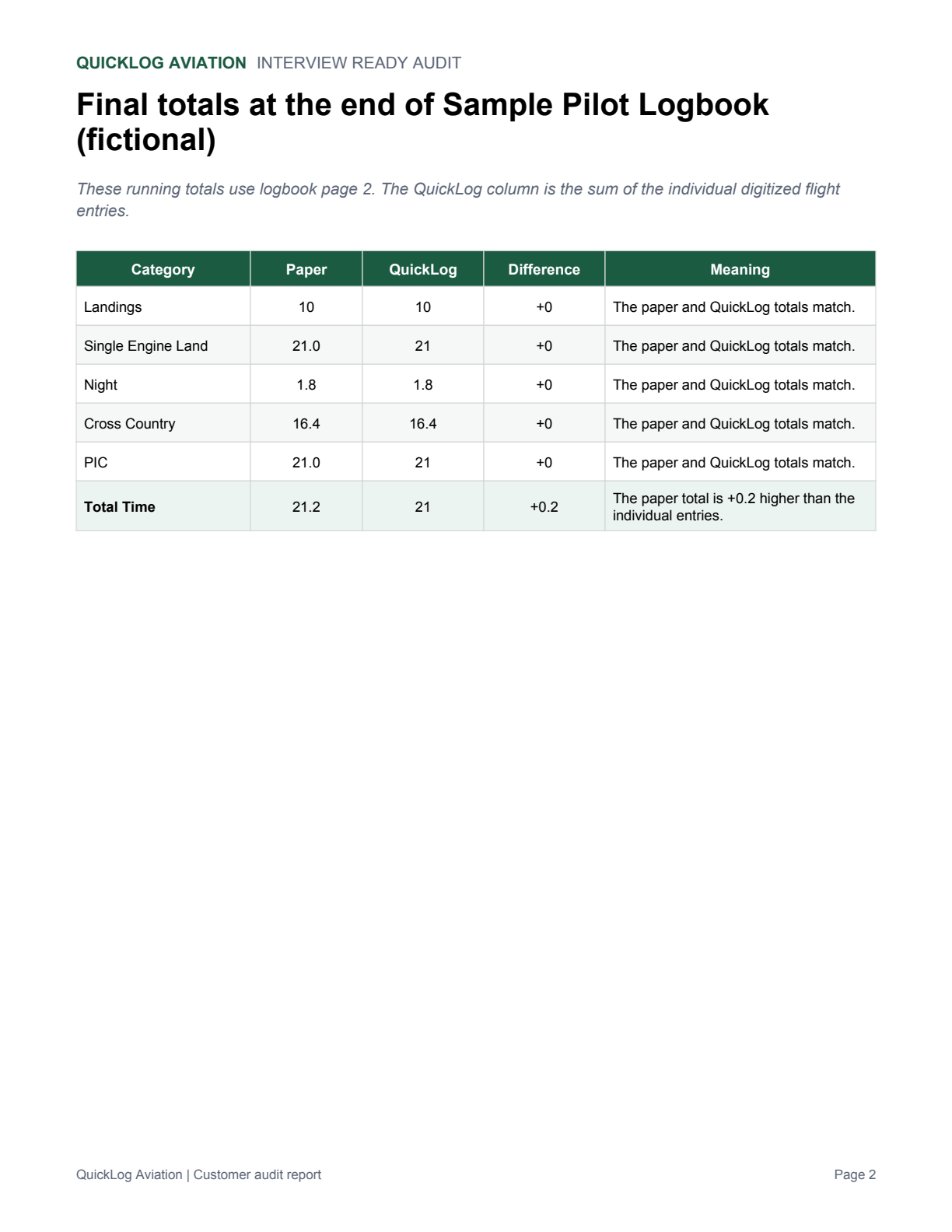
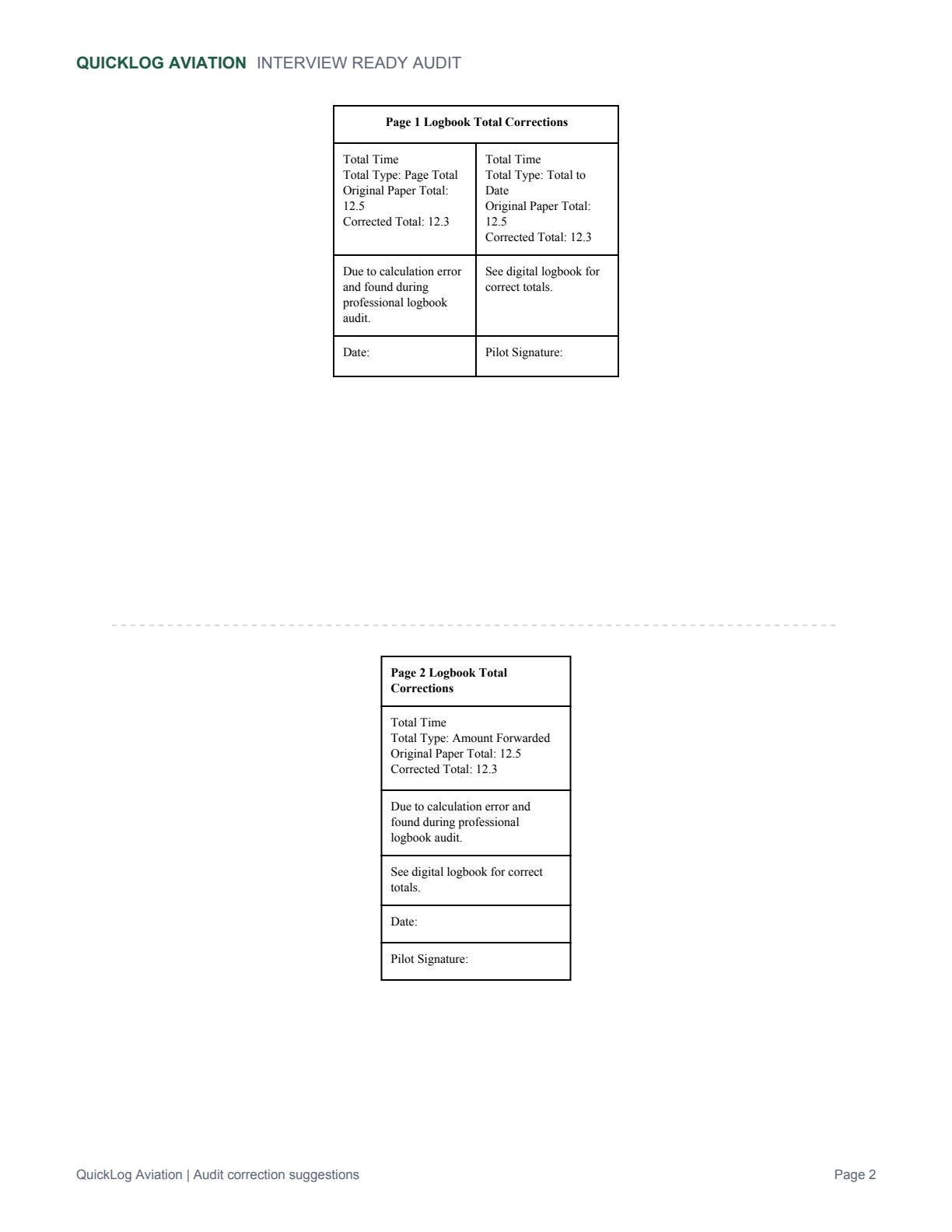
Our Interview Ready Audit includes professional digitization, an audited Excel logbook, a clear audit summary, and printable suggestions for documenting the discrepancies we identify.
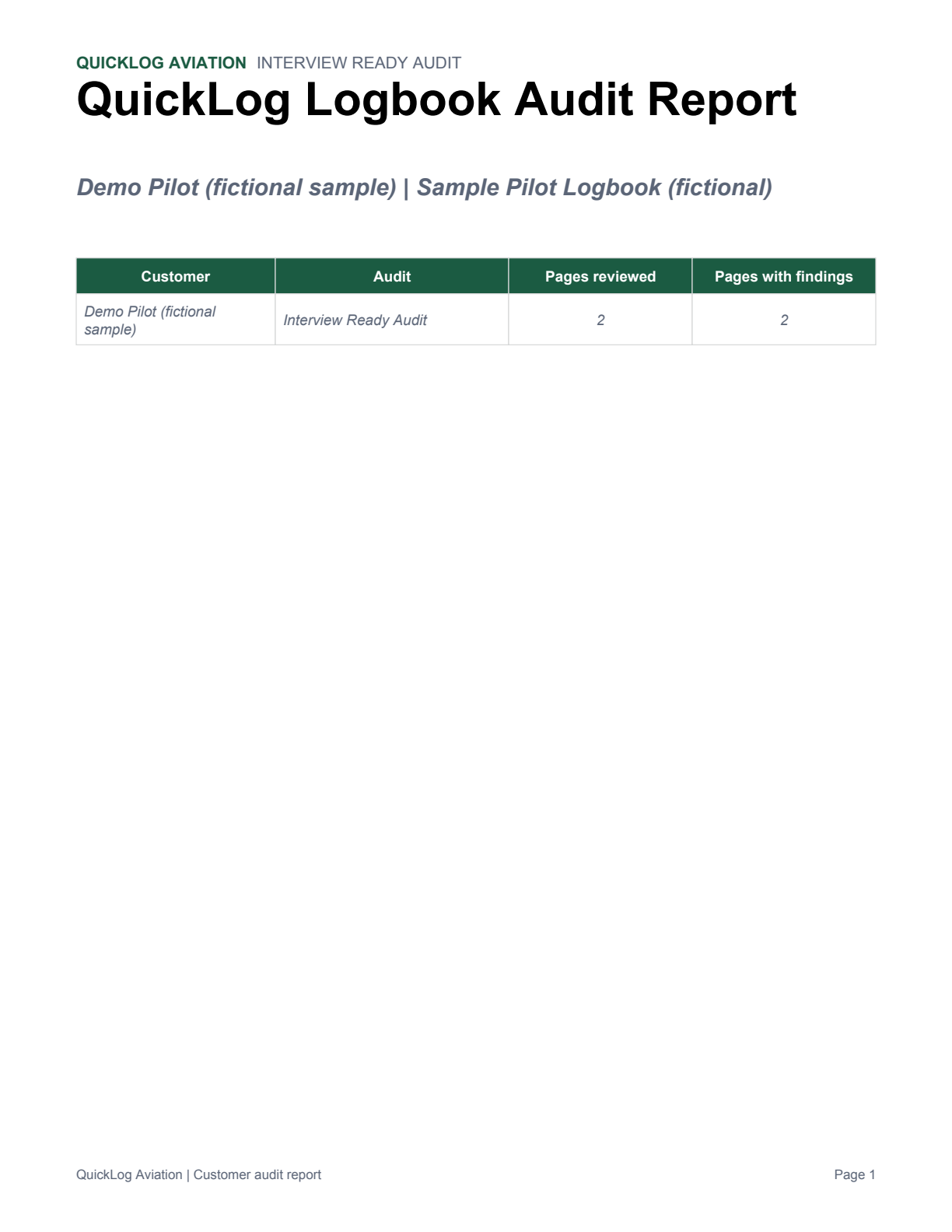
Start an Interview Ready Audit or review the sample documents below to see exactly what you receive.